/ Shop-Floor Logic

One counter. Every job, sale, and record in sync.

Walk-in arrives, job gets logged, stock adjusts, invoice prints. No rekeying. No separate apps. See exactly how it runs.
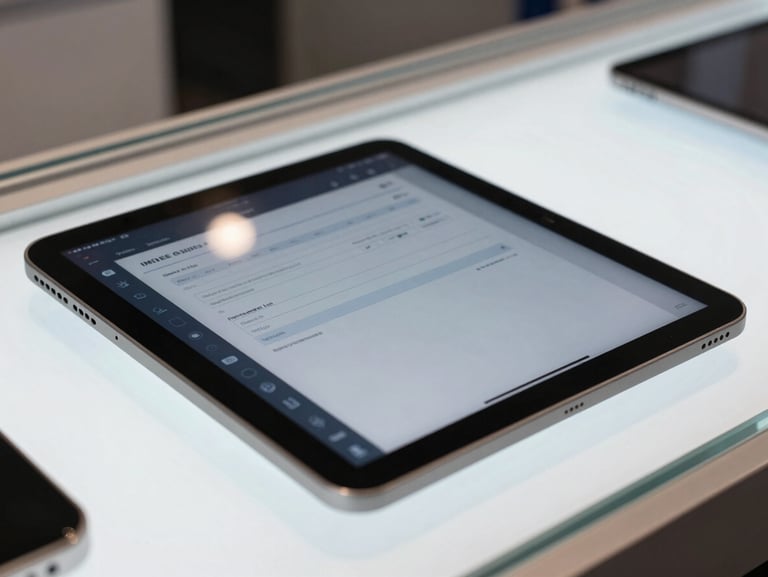
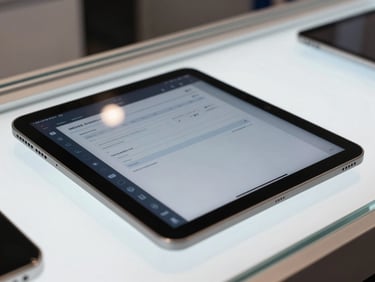
Close-up of a tablet screen on a retail counter showing a repair job entry form with IMEI field and device details, cool indoor ambient light, the glass display case edge visible beneath the tablet, high-contrast dark dashboard UI
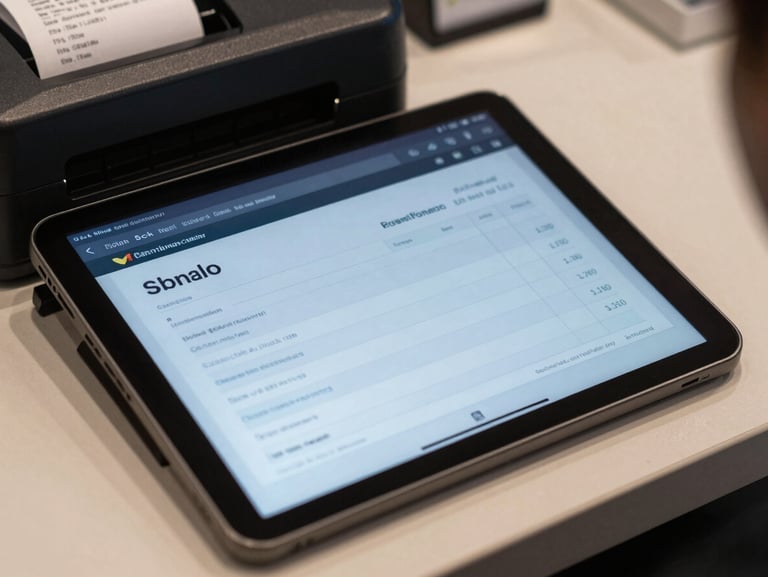
Tight shot of a tablet screen showing a billing invoice being generated on a dark-mode interface, repair line items and total visible, a POS receipt printer partially in frame at the edge of the counter, cool indoor ambient light
Four Steps, Zero Gaps

From walk-in to closed — counter-ready from day one.

Customer drops off a device. Enter the IMEI, fault description, and customer details in one form — no IT setup, no migration, open a browser and start. The job card is live instantly.

• Step 02

Stock adjusts as parts are assigned

Mark parts used on a repair and inventory updates automatically. Every handset, accessory, and spare part stays accounted for — no separate stock sheet, no end-of-day recount.

• Step 03

Invoice prints from the same screen

When the job is done, billing is already populated from the repair record. One tap generates the invoice — labour, parts, and tax included. The customer record updates in the same action.

• Step 04

Close the day knowing your numbers

The dashboard surfaces sales totals, open jobs, and expense tallies the moment you need them. Lock up without hunting through receipts or calling anyone to check the figures.
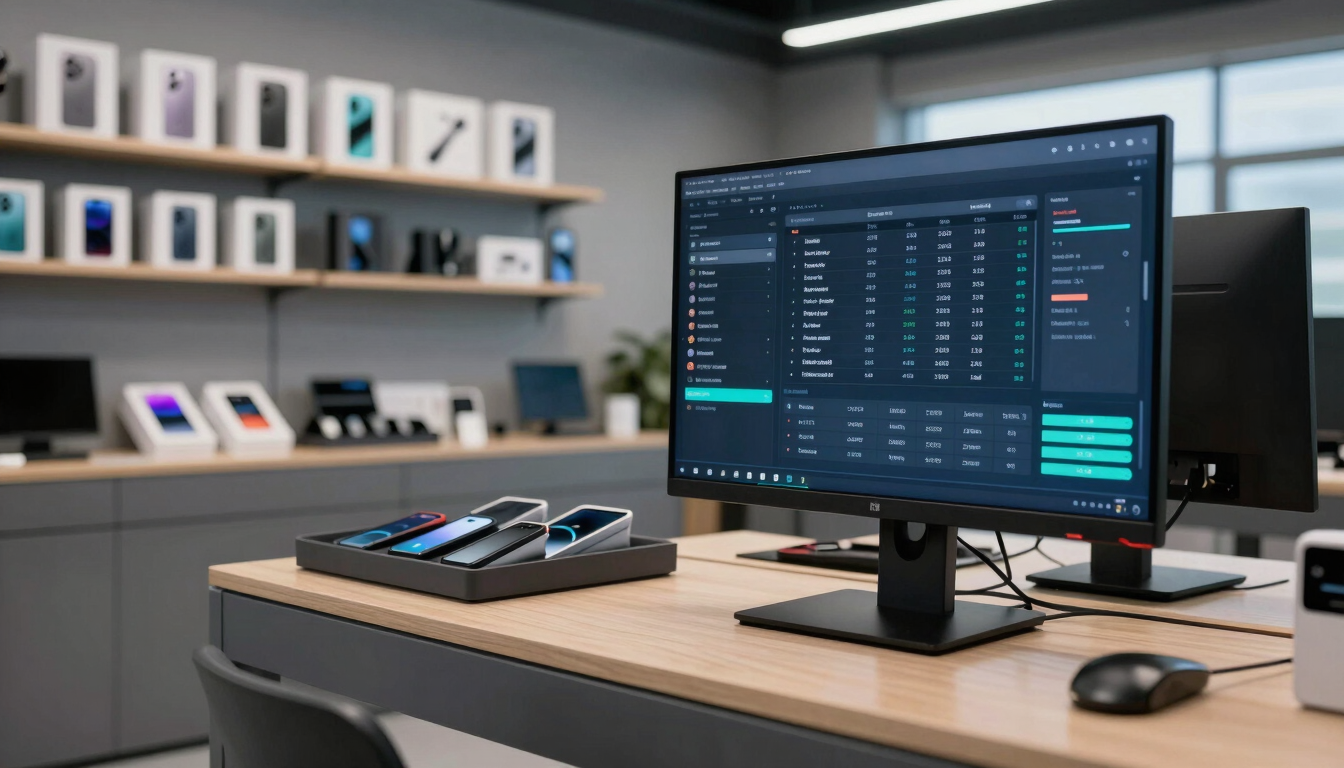
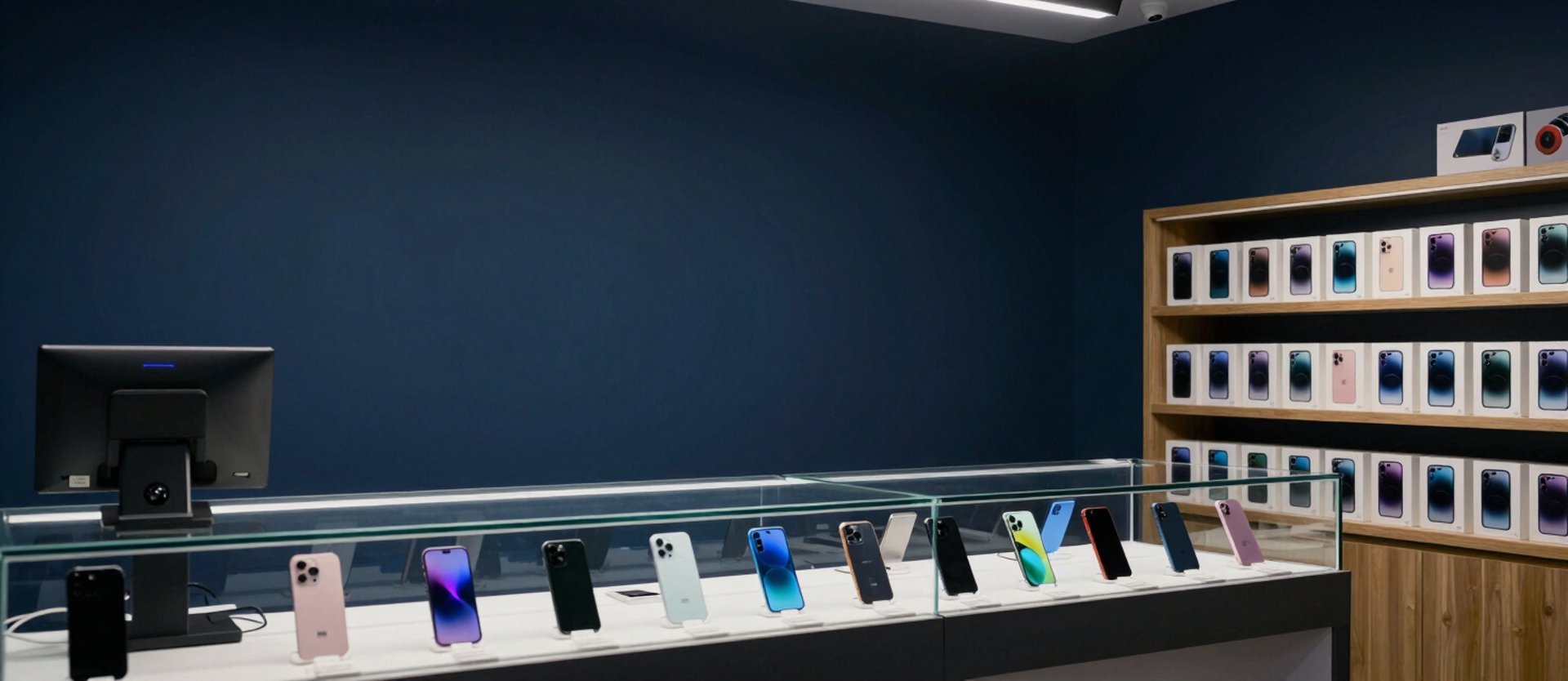
Panoramic wide-angle view of a mobile retail shop interior, a large monitor on the service counter displaying a full dark-mode operations dashboard with repair job queue, inventory levels, and daily sales figures, organised accessory trays and boxed handsets on shelves behind, cool-toned ambient indoor lighting, no people, crisp high-contrast UI visible on screen
Everything in one view

The dashboard built for the counter, not the boardroom.

See every feature behind the workflow.

Inventory, billing, repairs, and reports — each module built specifically for mobile retail. No generic retail add-ons bolted on.